
For people who always mean to make the album, and never do
Every trip, a book on the shelf.
Journey Shelf turns every trip into a journal that feels like a real book. Before you go, pick a ready-made route on the map and the journal is laid out. On the way, add a photo at each stop: the page gets its postmark, and an enamel pin drops out. Back home, the book is already made, and it goes on your shelf.
- iPhone
- iPhone Duo ready
- Free
- Coming this winter
You are on the list.
We will write when the beta opens. Know someone you travel with? Send them this page.
journeyshelf.com/One more tap: which map pack should come next?
From the map to the shelf
Real screens from the app. The photos in the journals are drawn, and Mia and Leo are made up.
-
Before you go
Plan it on the map
Pick a destination and its illustrated map unfolds, with a few ready-made routes: where each day goes, and how, already drawn. Follow one as it is, or make it yours.
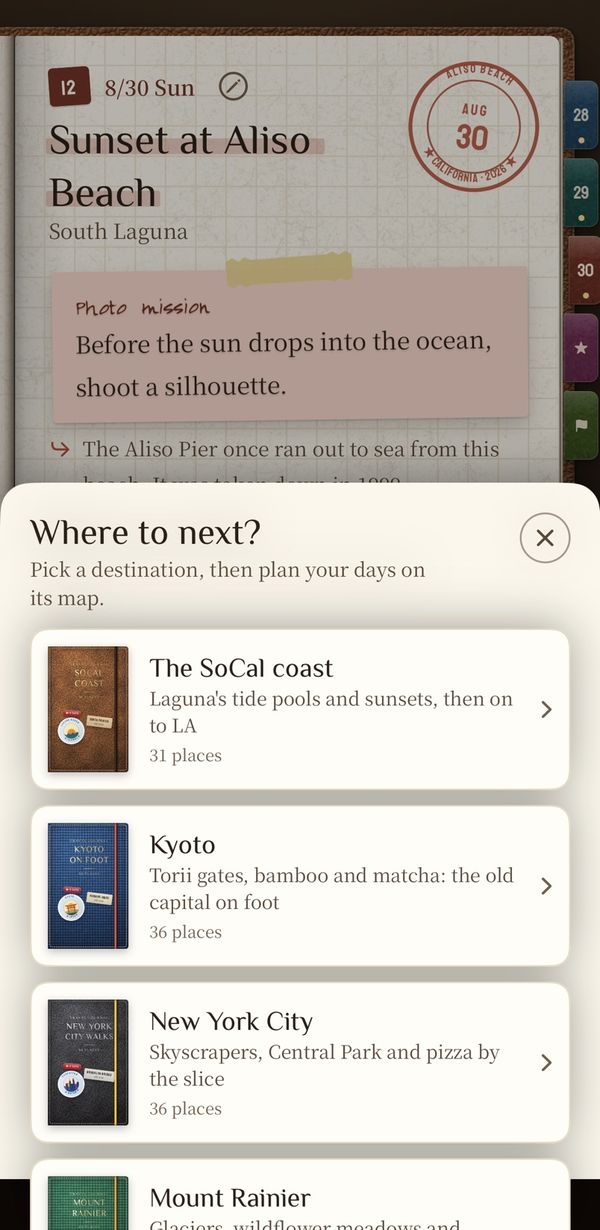
Pick a destination
The SoCal coast, Kyoto, New York City, Mount Rainier and Oahu each come with a ready-made map pack.
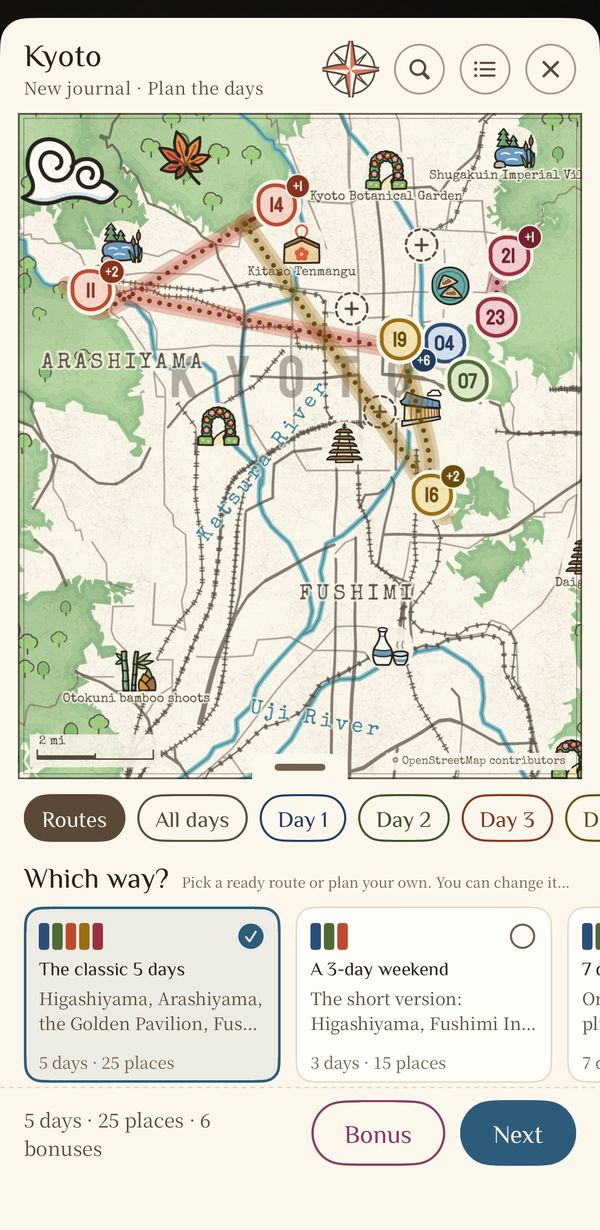
Pick a route
Kyoto has the classic five days, a three-day weekend and more. See it day by day, tap a place on the map to add it, drag to change the order.
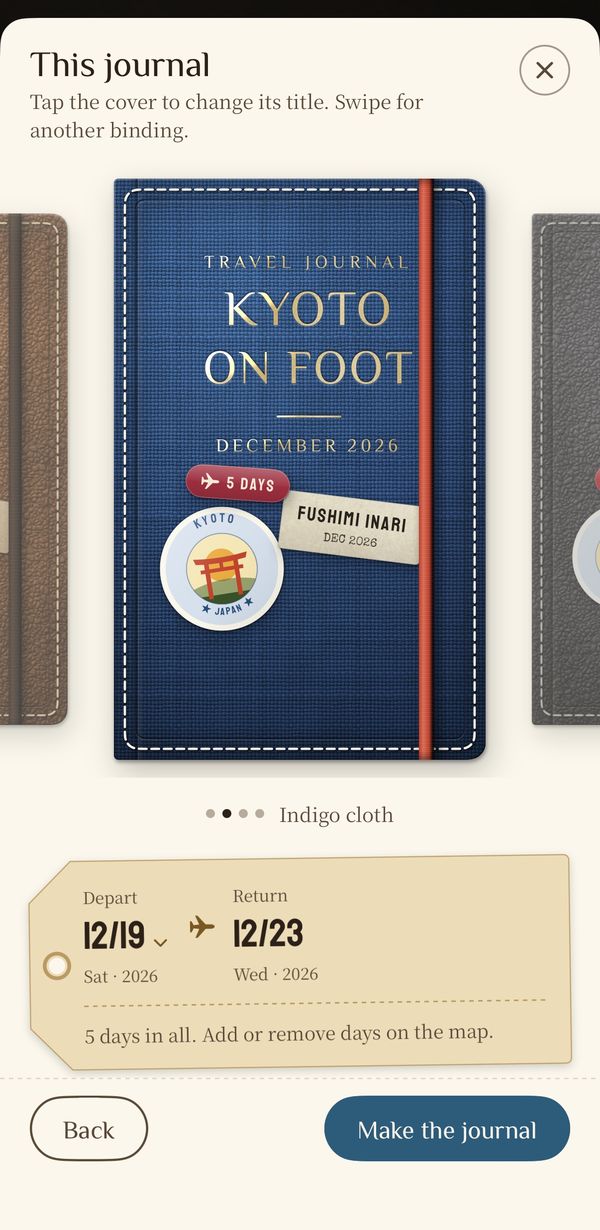
Name it, date it
Rename it right on the cover, swipe for leather or cloth, and write the dates on the luggage tag.
-
On the way
A photo at every stop
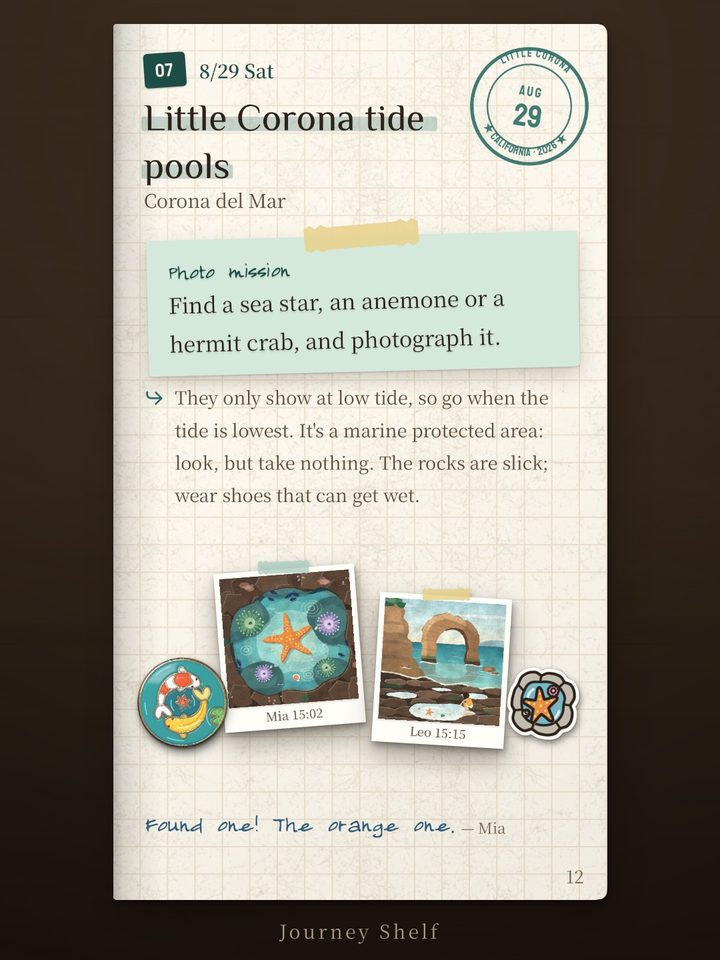
Every place has a page with a photo mission. Add the photo and the page gets the day's postmark, and a pin drops out.
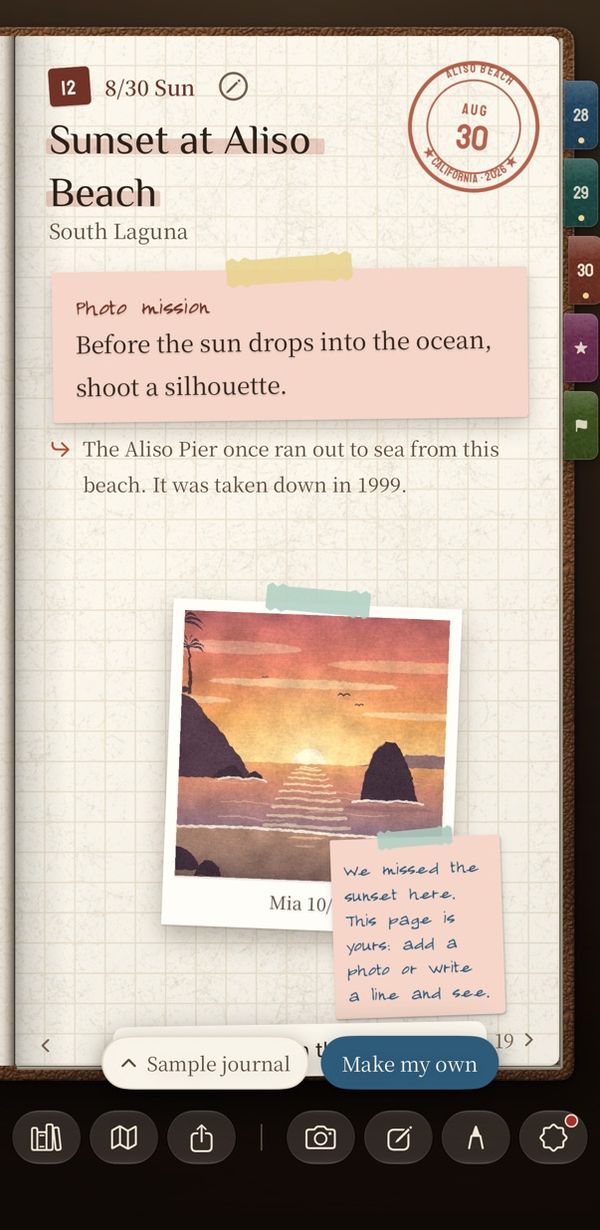
Stick it on, get the stamp
The postmark lands on the page, dated the day you were there.
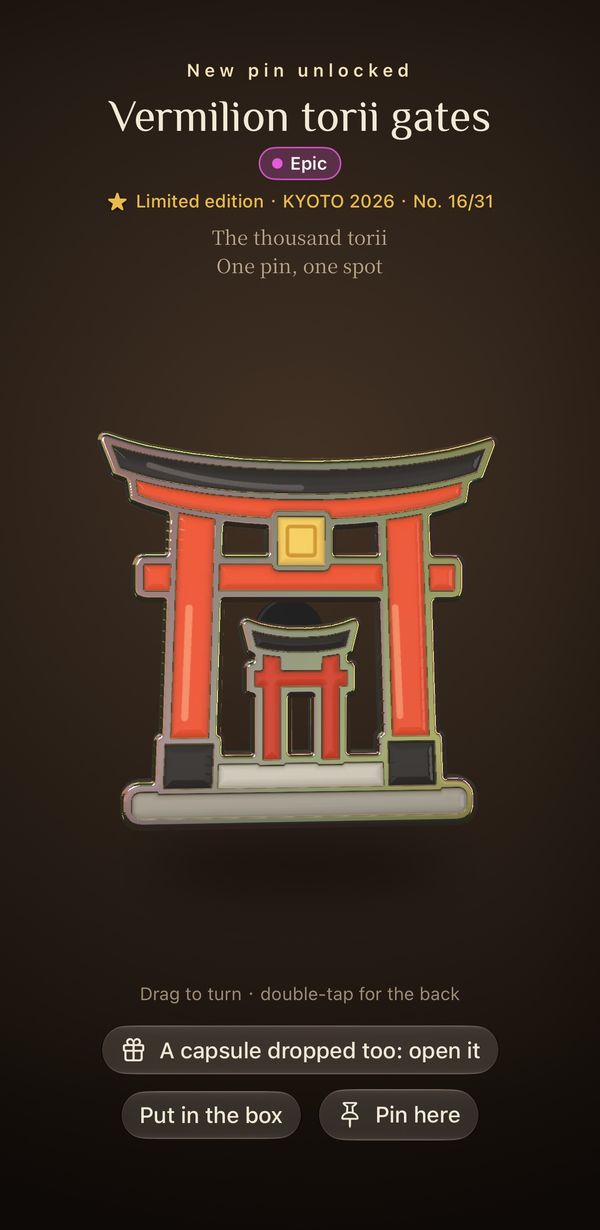
A pin for every stop
Each stop has its own enamel pin. Get there on the planned day, and it comes numbered.
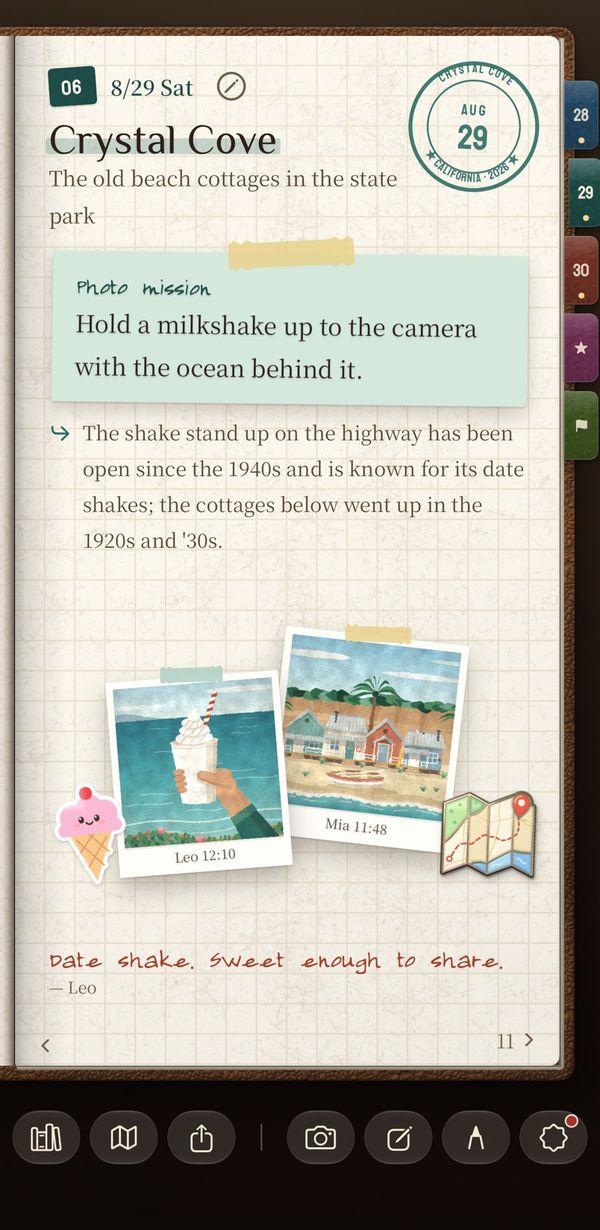
And a line
Write a line under the photo. Whoever you travel with can add one too.
-
Back home
The book is already made
The last page sums up the trip: the stamps, the photos, the lines. Turn a few pages into pictures to post, then stand the book on your shelf.
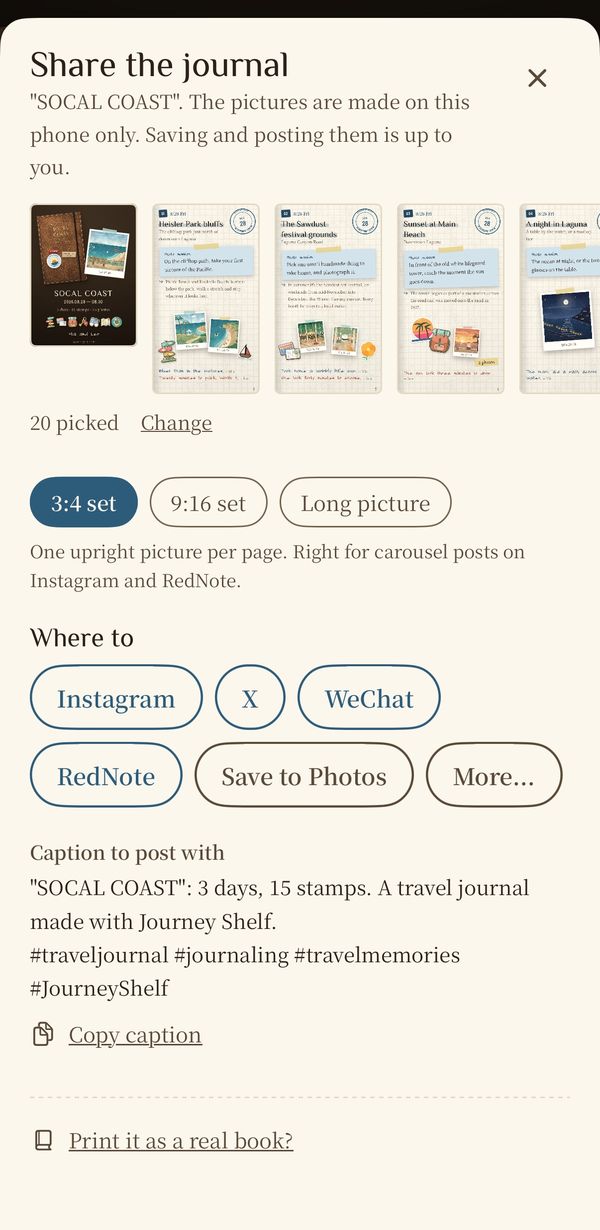
Make pictures, post them
Pick pages for a 3:4 or 9:16 set, or long pictures, with a caption and hashtags ready for Instagram, X or WeChat.
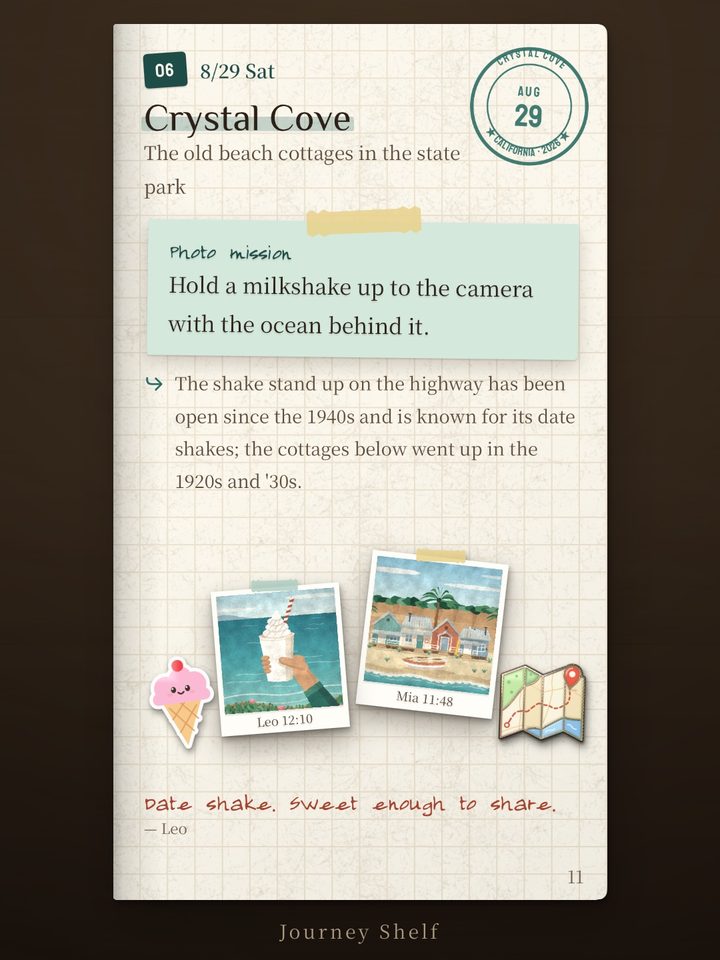
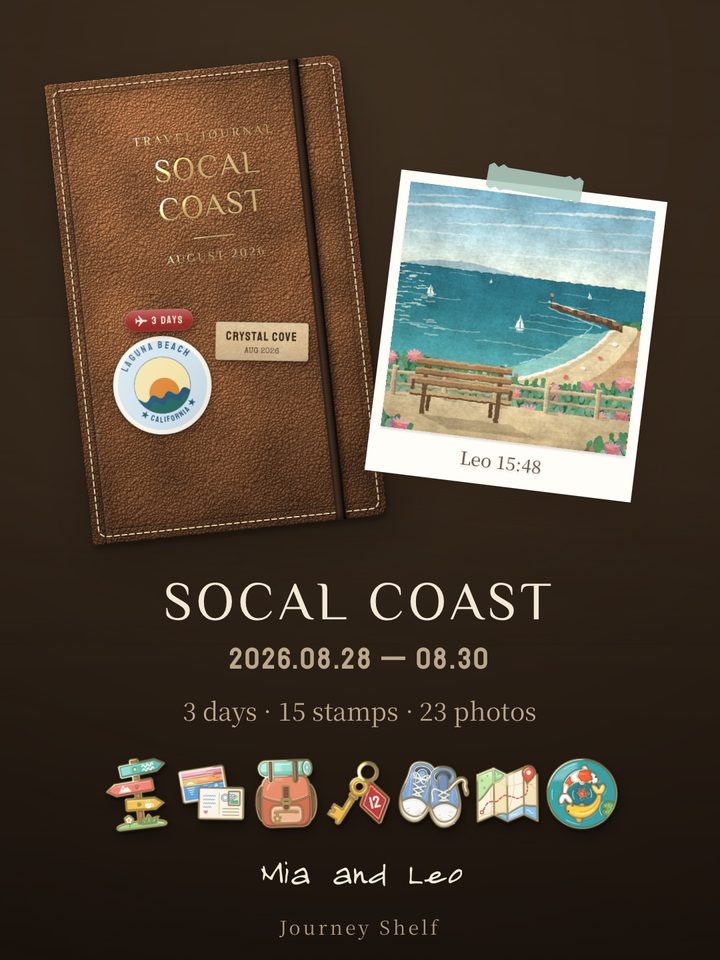
One card for the trip
The cover, a photo, the days and the stamps, the pins you collected: the whole trip in one picture.
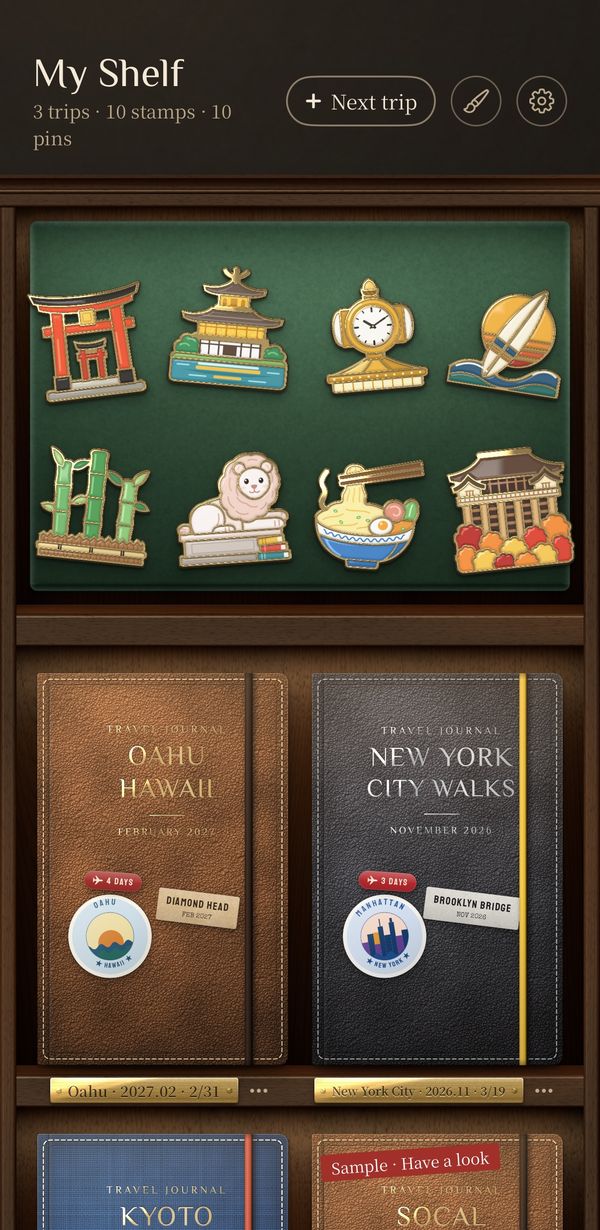
Onto your shelf
One trip, one book, standing cover-out. The pins you collect can go on the felt board on top.
A board full of pins
Each place has a pin of its own, drawn the way an enamel pin is made. Turn it in the light, pin it to a page, or set it on the felt board on top of your shelf. Over a hundred are drawn so far; here are some from the first four destinations.
The SoCal coast








Kyoto








New York City








Mount Rainier








iPhone Duo
On a folding iPhone, it is a book
Closed, the outer screen is the cover. Open, the inner screen is the spread, and the hinge is the spine. On any other iPhone the pages turn one at a time, and nothing is missing.
Five destinations, maps already drawn
Each destination is a map pack: an illustrated map, a few ready-made routes, and a photo mission and a pin for every stop.
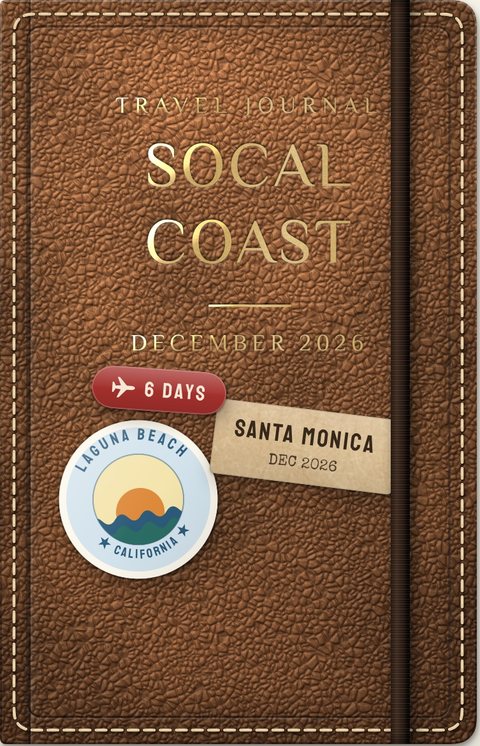
The SoCal coast
Laguna's tide pools and sunsets, then on to LA
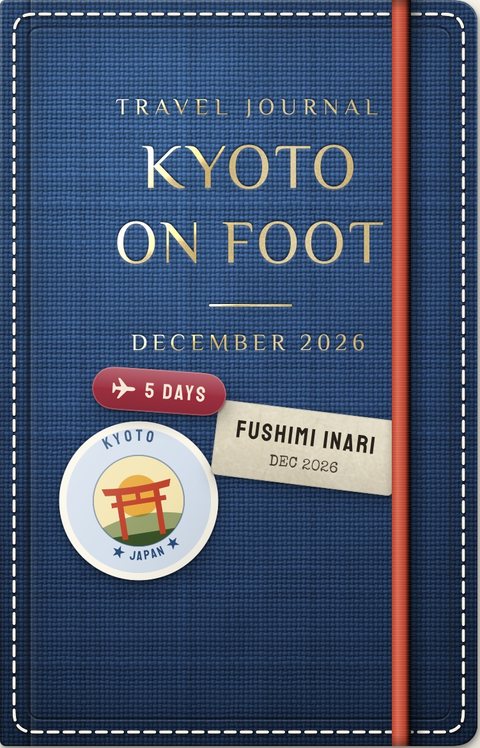
Kyoto
Torii gates, bamboo and matcha: the old capital on foot
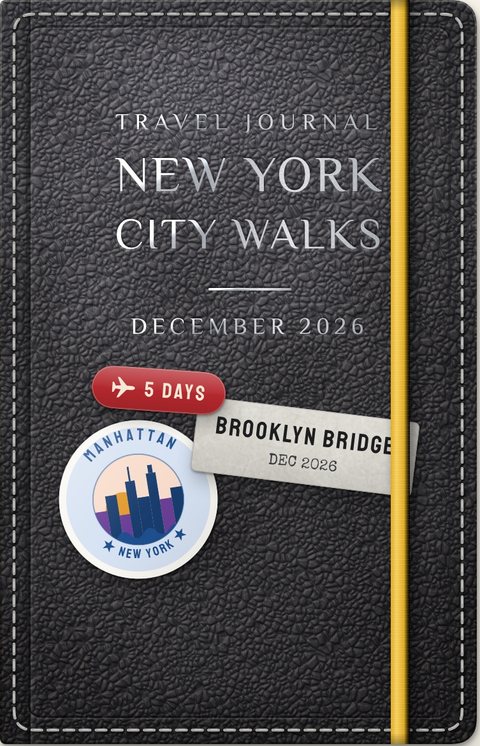
New York City
Skyscrapers, Central Park and pizza by the slice
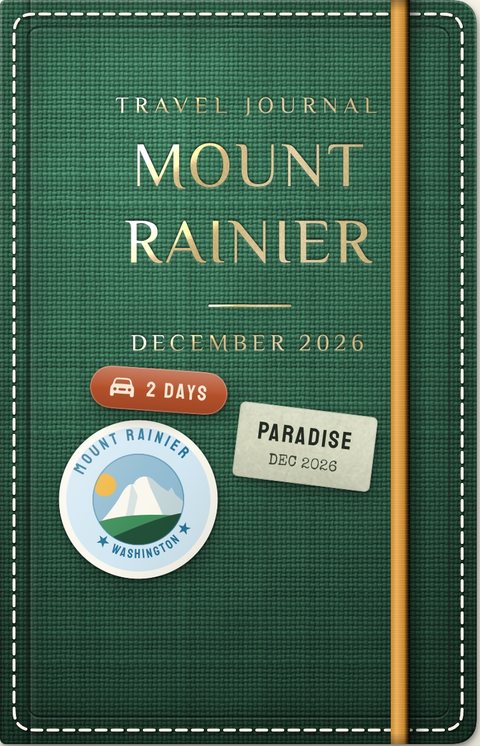
Mount Rainier
Glaciers, wildflower meadows and waterfalls, all the way round one mountain
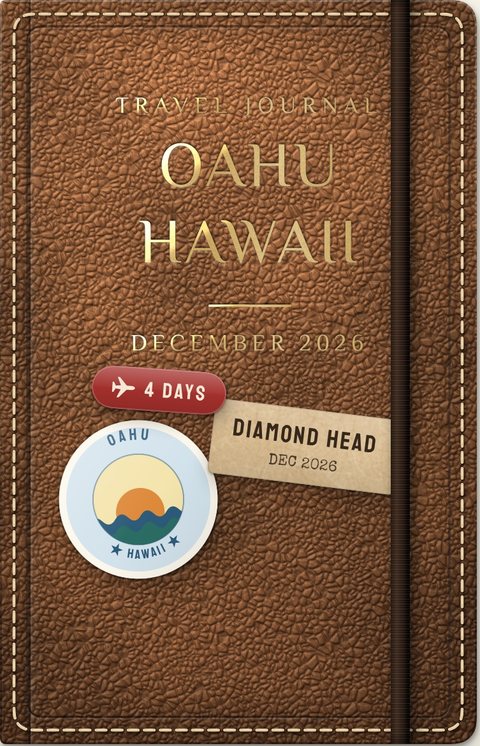
Oahu, Hawaii
Waikiki and Diamond Head, Pearl Harbor, then up to the North Shore
Somewhere else?
Make a blank journal: write the place on the cover, set the days on the luggage tag, add stops as you go. And tell us which map pack you want next.
You might be wondering
No sign-up
It opens on a finished sample journal. Tap the photo on its empty page, and you know how it works.
Your journal stays with you
Photos and words stay on your own phone, never on our servers.
Free, no ads
The first version is free, with no ads and no in-app purchases.